Point your camera at anything around you. Seeword names it in English — with pronunciation and a Chinese meaning — then files it in your personal stamp album of words.
No typing, no dictionary hunting. The word comes to you.
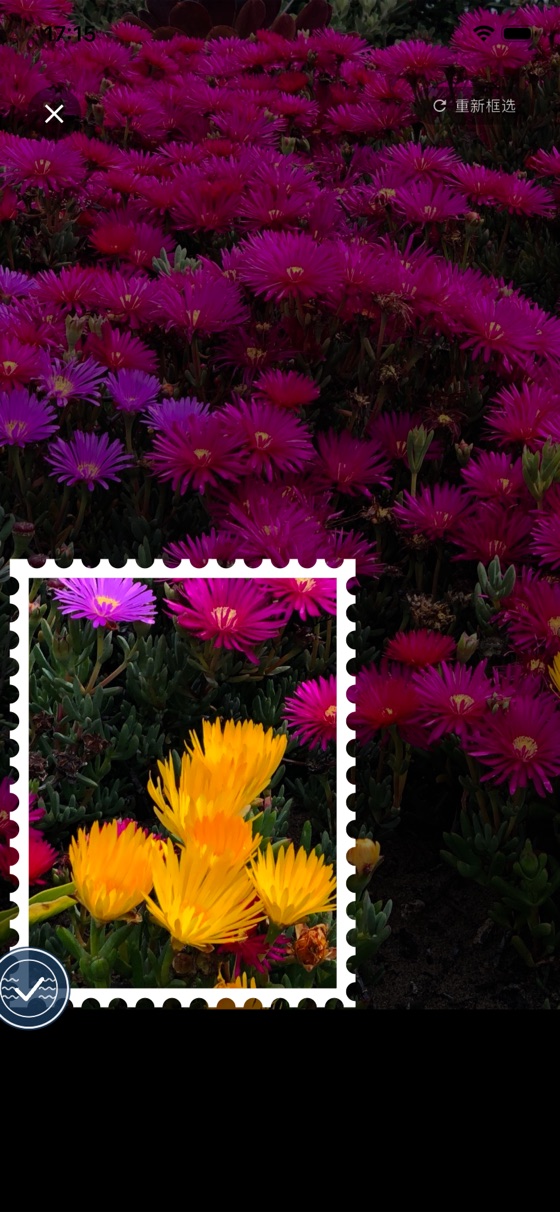
Spot something you don't know the English for — a flower, a tool, a dish on the table. Drop it inside the frame.
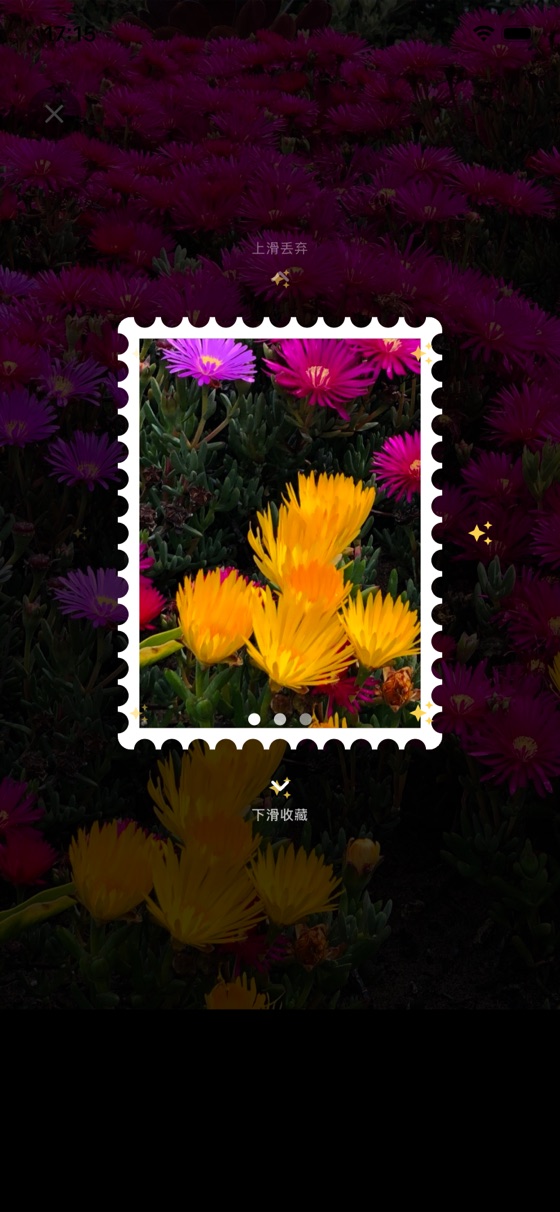
Seeword finds the subject on-device and develops your photo into a postage-stamp card — no perfect framing required.
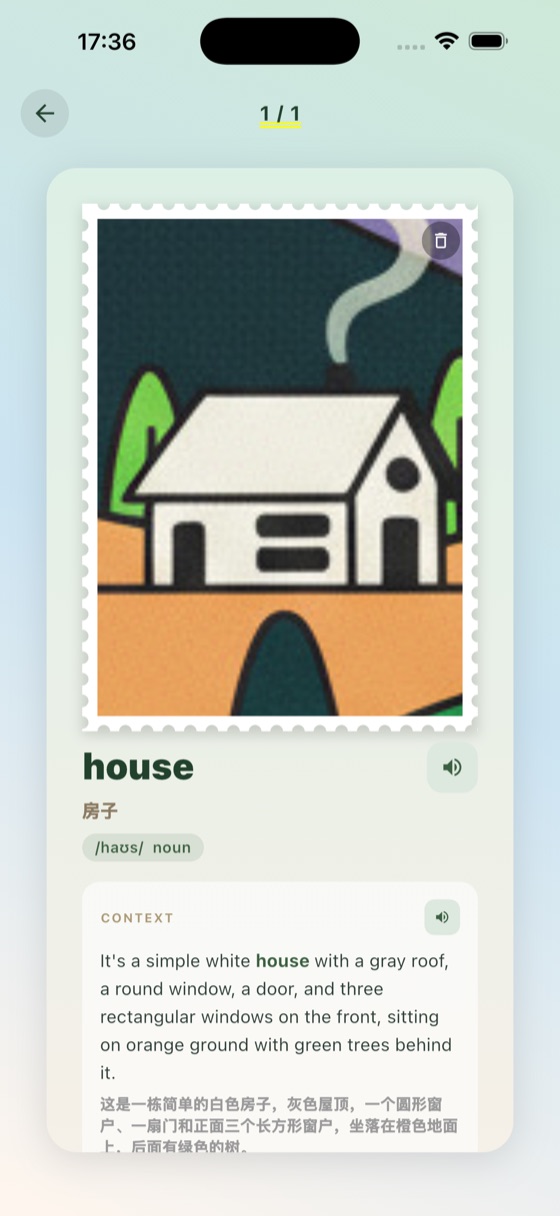
Get the English word, its pronunciation, a clear Chinese meaning, and a real example sentence — then keep it in your album forever.
Everything you need to turn the world around you into vocabulary.
On-device vision picks out the main subject in your photo — no perfect framing required.
Native-quality pronunciation for every word, so you learn how it actually sounds.
Each word comes with a clear Chinese explanation and a phonetic transcription.
Every word you catch is saved as a collectible stamp. Watch your collection grow.
Seeword is in free public beta on TestFlight. Grab it, snap your first thing, and see it stick.
Try the beta on TestFlightSeeword is in public beta through Apple TestFlight. Tap any “Try on TestFlight” button, install TestFlight if you don't have it, then install Seeword — all free.
Right now Seeword runs on iPhone (iOS). An Android version may come later.
The TestFlight beta is completely free.
No. You can start snapping and learning right away. Sign in with Apple is optional, for syncing your collection.
Seeword names things in English and gives you the Chinese meaning and pronunciation — perfect for Chinese speakers learning English.